High-Speed VPN for China in 2026: What Matters at Peak Hours
High-speed VPN options for China compared by peak-hour throughput, packet loss, routing, and firewall resilience for travel, work, and teams.

A high-speed VPN for China is not defined by a brand name or a one-off speed test. It depends on engineering choices that hold up under the Great Firewall, cross-border congestion, and peak-hour load. This guide compares the routing, protocols, throughput, and reliability that matter for travelers, expatriates, and teams operating from mainland China.
The usual best VPN for China framing hides the real question: how fast and stable is the connection when demand peaks? A VPN that survives a 9 p.m. video call from Shanghai is a different product from one that opens Instagram once a day. This guide focuses on sustained peak-hour performance, not brand popularity.
Table of contents
- At a glance: high-speed VPN options for China in 2026
- Why you need a VPN in China
- What "works" in China actually means
- How the Great Firewall works in 2026
- What makes a VPN fast and reliable in China
- 7 VPNs for China compared on peak-hour performance
- VPNs we do not recommend for China
- Why free VPNs do not work in China
- Are VPNs legal in China?
- Blocked websites and services in China
- Setup guide: individuals, teams, and offices
- Troubleshooting when your VPN stops working
- How we assess VPN speed and reliability in China
- Alternatives to VPNs
- Frequently asked questions
- Choosing a high-speed VPN for China
At a glance: high-speed VPN options for China in 2026
The single number that matters in China is peak-hour performance: download speed and packet loss between 7 p.m. and midnight local time, measured on a real Chinese ISP. Off-peak speeds and server counts tell you almost nothing. The table below ranks the seven services that still hold up in 2026 by that standard, with a plain speed tier rather than marketing language.
| Rank | VPN | Speed tier | Routing | Peak-hour speed inside China | Packet loss at peak | Use case |
|---|---|---|---|---|---|---|
| 1 | Throughwire | Fast | CN2 GIA premium | 100 to 500 Mbps | Under 1% | Professional and sustained work |
| 2 | Astrill VPN | Slow | Standard BGP | 5 to 20 Mbps | 6 to 15% | Longest consumer track record |
| 3 | LetsVPN | Medium | Standard BGP | 5 to 15 Mbps | 8 to 20% | Cheap casual access |
| 4 | ExpressVPN | Slow | Standard BGP | 5 to 25 Mbps | 8 to 25% | Mainstream travelers |
| 5 | NordVPN | Slow | Standard BGP | 5 to 20 Mbps | 8 to 25% | Mainstream obfuscation |
| 6 | Surfshark | Slow | Standard BGP | 3 to 15 Mbps | 10 to 25% | Budget mainstream choice |
| 7 | Mullvad | Slow | Standard BGP | 1 to 10 Mbps | 15 to 30% | Privacy-first users |
The honest summary: the gap between a VPN that opens a blocked page once and one that holds an entire workday open is large. Most services on this list deliver 2 to 15 Mbps with 8 to 30% packet loss inside China during peak hours, which is fine for messaging and email but breaks under video calls, large uploads, or sustained team workloads. Only one service on this list is engineered to avoid that ceiling, and the reason is routing, not branding.
Practical rule: above 10% packet loss, Zoom and other real-time apps become unusable. Every standard-BGP consumer VPN crosses that line during the evening congestion window. Premium routing is the only structural fix.
Why you need a VPN in China
The Great Firewall of China blocks most of the international internet: Google, Gmail, YouTube, Facebook, Instagram, WhatsApp, X (Twitter), Netflix, the New York Times, Reuters, Wikipedia, the Apple App Store outside its mainland storefront, and most Western SaaS tools. Slack signs in slowly, Notion stalls, Figma freezes, GitHub pushes time out, Google Drive uploads reset, and Zoom calls degrade unpredictably.
A VPN solves three things: it restores access to apps and services you already pay for, it encrypts your connection so the local network cannot inspect the contents, and it keeps travelers, expatriates, and remote workers functional inside the country. Whether a given VPN can actually do that under load is a separate question, covered in our deeper analysis of whether VPNs work in China.
What "works" in China actually means
Real work depends on long-lived, stable connections to several services at once: a video call, a cloud sync, a code push, a large upload. A VPN that handles a quick web search can still collapse under that load. If a VPN only proves it can open a blocked website, it has not yet proved it can support a workday.
A polished app, a generous server count, and good performance in Europe or North America tell you very little about what happens inside mainland China. The distinction that matters is not blocked versus unblocked. It is stable enough for the task or not.
How the Great Firewall works in 2026
China's internet controls behave like a layered checkpoint system. Four mechanisms matter most.
- Deep packet inspection (DPI) reads the shape of your traffic, not just where it is going, so standard VPN protocols like OpenVPN and plain WireGuard are recognized by their fingerprints and dropped.
- IP and endpoint blocking removes VPN server addresses from the routable internet, which is why consumer VPNs lose Hong Kong, Japan, Singapore, and Taiwan servers in waves during enforcement pushes.
- Active probing lets the firewall connect to suspicious endpoints itself to test for VPN signatures, which is why Shadowsocks, VMess, and older protocols increasingly fail while newer protocols like VLESS-Reality survive.
- Bandwidth strangulation at peak hours is the mechanism that quietly destroys most consumer VPN experiences. Between 7 p.m. and midnight local time, international transit routes out of China become unusable for video and large transfers.
Premium routes like China Telecom's CN2 GIA stay closer to daytime speeds, but consumer VPNs do not use them because they cost ten to thirty times more. The result, from a user's seat, is the inconsistency people complain about: a login page loads while the dashboard does not, voice connects while video fails, the connection works at noon and dies at 8 p.m. Enforcement has also hardened year over year, a trend tracked in detail in our brief on the China VPN crackdown in 2026.
What makes a VPN fast and reliable in China
Two engineering choices separate VPNs that hold up from VPNs that quietly fail: obfuscation and routing.
Obfuscation disguises the tunnel as ordinary HTTPS traffic. Modern protocols like VLESS-Reality and Hysteria2 do this reliably, while proprietary mainstream layers (NordWhisper, Lightway, Camouflage, Chameleon, StealthVPN) and older protocols like Shadowsocks work intermittently or increasingly fail against active probing and deep packet inspection. The protocol family in the textbook matters less than whether the transport looks like the rest of the web, a point explored further in our comparison of IPSec VPN versus SSL VPN for China.
Routing is the part most consumer VPNs cut. They all share standard BGP transit through cheap data centers, which suffers 6 to 30% packet loss at peak hours. That is why forum users report 2 to 15 Mbps speeds on Astrill, LetsVPN, Mullvad, and ExpressVPN during evening hours, while serious providers run CN2 GIA premium routing (under 1% packet loss) or true IPLC (an International Private Leased Circuit, only available to providers with a Chinese entity). The structural reason consumer VPNs cannot match premium-routed speed inside China is simple: they are renting the wrong infrastructure. The economics of that gap are covered in our analysis of what actually limits China internet speed.
7 VPNs for China compared on peak-hour performance
Many VPN comparisons are produced from outside China and lean on brand popularity. This comparison focuses on the factors that determine speed inside mainland China: peak-hour throughput, packet loss, cross-border routing, protocol resilience, and sustained workload behavior.
1. Throughwire: built for professional and sustained work

Throughwire is a newer specialist service (available at throughwire.net) built for people whose income depends on staying online from inside mainland China. Unlike the consumer brands on most lists, Throughwire is positioned for the business-grade end of the market and does not appear on affiliate-driven roundups.
It is the only service on this list using the full modern stack: VLESS-Reality protocol over CN2 GIA premium routing, with Hysteria2 as a peak-hour fallback. Per-user peak-hour throughput sits at around 250 Mbps p95 on the CN2 GIA premium line (14-day rolling window, methodology in the CN2 GIA from inside China speed test), including during the 7 p.m. to midnight congestion window when consumer VPNs collapse to 2 to 15 Mbps. There are no traffic logs, DNS records, or session metadata retained.
The hardware model is also different. Most office and small-team deployments need a router-level VPN (a single tunnel running on the office router itself that covers every device on the network) so no one installs per-device clients. Throughwire ships configurations for the GL.iNet Brume 3 (GL-MT5000) and other travel routers, which customers buy locally inside China to avoid customs.
Throughwire is more expensive than consumer VPNs and the wrong choice if you only need WhatsApp once a day. It is the right choice if your day depends on Zoom, Teams, GitHub, Figma, or large file transfers.
- Pros: 100 to 500 Mbps peak-hour bandwidth inside China. Under 1% packet loss on CN2 GIA premium routing. VLESS-Reality protocol resists active probing. No traffic, DNS, or session logs. Router-level deployment for offices. Support that understands routing.
- Cons: Higher price than consumer VPNs. Not optimized for casual use. Smaller server network outside China.
2. Astrill VPN: longest consumer track record, declining in 2026
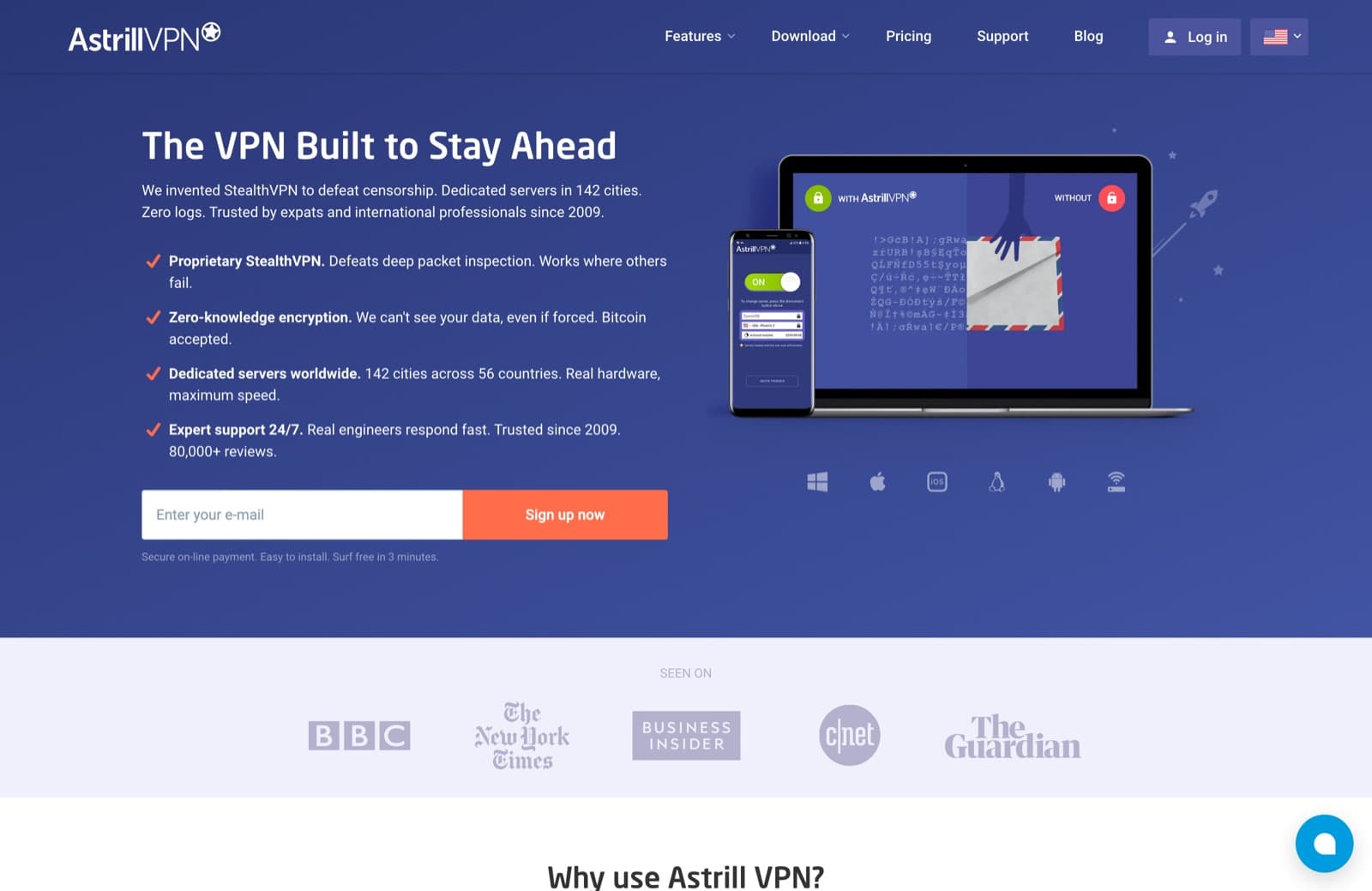
Astrill has been the default expatriate recommendation in China for over a decade. The service uses StealthVPN, a proprietary obfuscation layer on top of OpenVPN, plus OpenWeb for lighter browsing. The team rotates infrastructure aggressively and pushes app updates quickly when enforcement waves hit.
The picture in 2026 is messier than the reputation suggests. Recent r/chinalife reports describe Astrill as "terrible on PC lately, rarely connects on stealth" and "stopped connecting completely on Android phones." Independent reviews show speeds falling 46 to 50 percent on nearby servers. Pricing runs above $20 per month with the VIP add-ons most users end up needing. Astrill is still the most likely consumer VPN to keep working through a politically sensitive week, particularly on desktop, but the gap between reputation and reality is widening. Our full Astrill VPN China review covers the business-use trade-offs in depth.
- Pros: 5 to 20 Mbps peak-hour bandwidth on standard plans. Strongest historical track record in China. Effective StealthVPN protocol against DPI. Fast app updates during enforcement waves.
- Cons: 6 to 15% packet loss at peak hours on standard routing. Expensive (over $20 per month with VIP add-ons). No independent audit of the no-logs policy. Mobile reliability degraded in 2026.
3. LetsVPN: cheap, popular, but just had a month-long outage
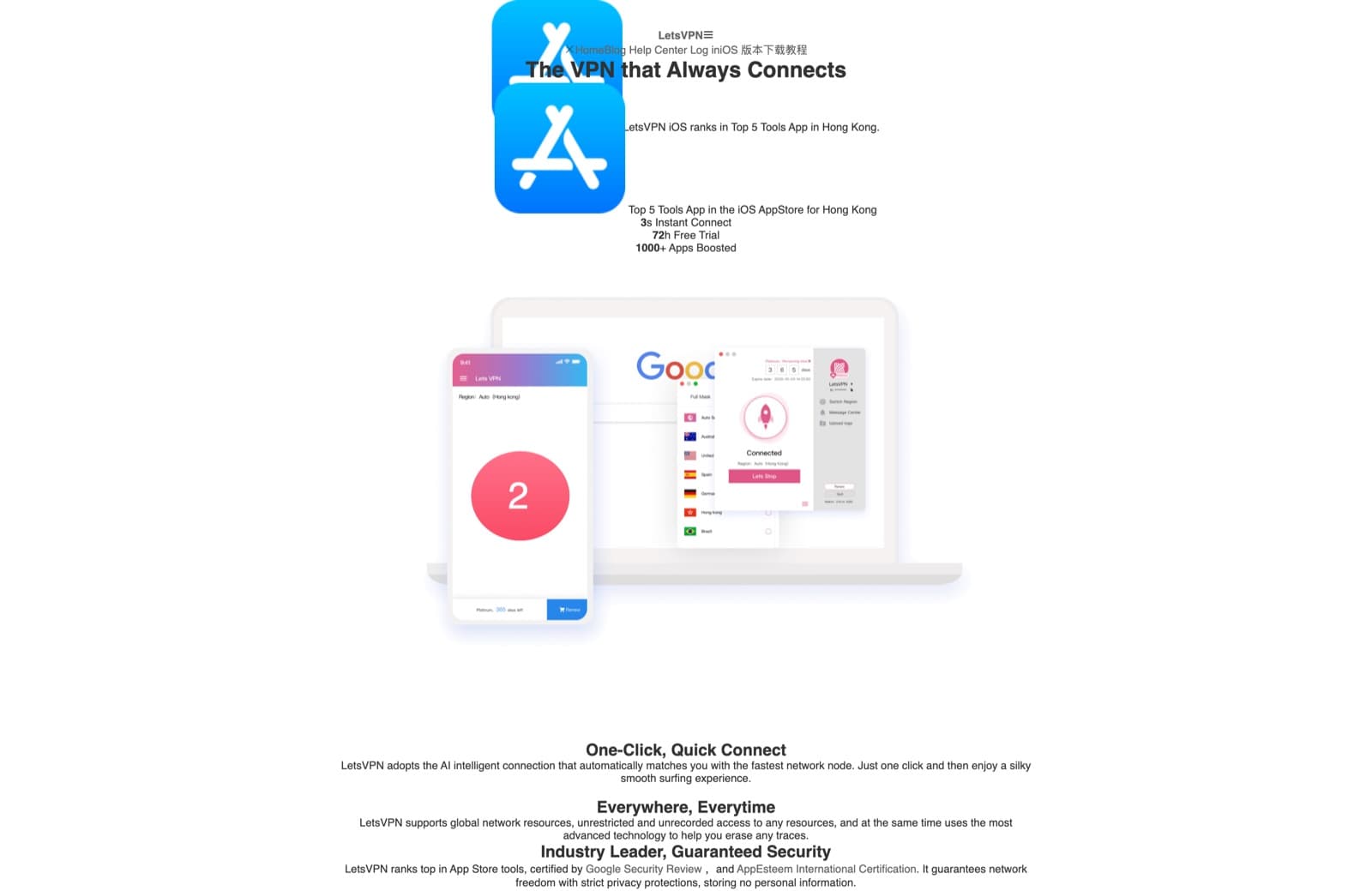
LetsVPN runs on Shadowsocks with aggressive IP rotation. The app is simple, the price is low (around $6 to $7 per month), and it has been the default cheap pick for casual access for years.
The major caveat: LetsVPN was completely down from April 8 to May 9, 2026, after roughly a month of attempted fixes during sustained network blocking. The official blog announcement on May 8 confirmed service resumption and full compensation for the outage period. The service is back, but the incident is a serious reliability scar. A consumer VPN that can vanish for thirty days is not the right choice if your work depends on it. Shadowsocks is also increasingly detectable by modern DPI, and the service is Chinese-Canadian operated, which is a privacy question for users in sensitive situations.
- Pros: 5 to 15 Mbps peak-hour bandwidth when up. Inexpensive ($6 to $7 per month). Simple app. Works for casual messaging, mail, and social media.
- Cons: Month-long total outage in April 2026. 8 to 20% packet loss at peak. Shadowsocks detectable by modern DPI. Limited to two devices. Privacy posture less defensible than Western-jurisdiction VPNs.
4. ExpressVPN: a mainstream option for travelers
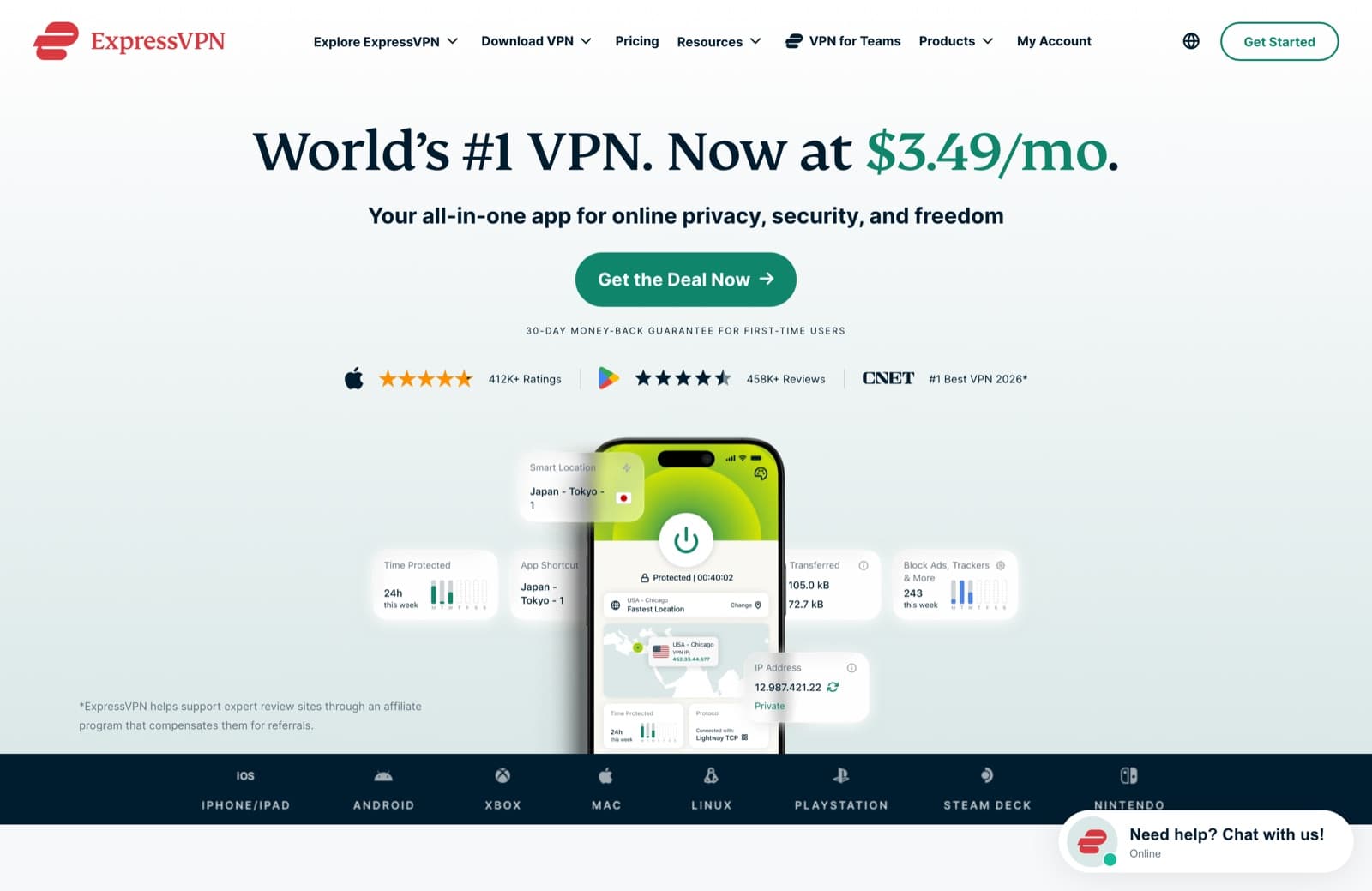
ExpressVPN's Lightway protocol is one of the better proprietary obfuscation layers on the market. Hong Kong, Japan, Singapore, and Los Angeles servers tend to work when other mainstream VPNs do not, and the app is the most polished on the consumer side. Off-peak speeds reach 50 to 100 Mbps. Peak-hour performance is more variable, and reliability drops during politically sensitive periods. A common forum description: "Works two weeks, then gets blocked for two to three months straight." Works for short-term travelers and casual expatriates. For sustained team workloads, it is a coin flip, a pattern we document in our ExpressVPN China reliability guide.
- Pros: 5 to 25 Mbps peak-hour bandwidth in China (50 to 100 Mbps off-peak). Polished apps. Lightway protocol against DPI. Large nearby server network. 24/7 chat support. 30-day money-back guarantee.
- Cons: 8 to 25% packet loss at peak. More expensive than other mainstream picks. Reliability inside China variable around major events. Standard public routing.
5. NordVPN: mainstream obfuscation and privacy features

NordVPN's NordWhisper protocol and obfuscated server mode handle DPI better than most mainstream VPNs. NordLynx (a WireGuard derivative) handles general traffic, with obfuscation engaging when restrictive networks are detected. Independent audits of the no-logs policy (meaning a third-party firm verified the provider does not store records of what sites you visit or when you connect) and RAM-only servers (data wiped on reboot) are real privacy advantages. Inside China, the experience is similar to ExpressVPN: workable for casual and travel use, with peak-hour degradation. Hong Kong and Tokyo are the most reliable nearby servers.
- Pros: 5 to 20 Mbps peak-hour bandwidth in China. Audited no-logs policy. RAM-only servers. Specialty servers including Double VPN. Reliable kill switch. Threat Protection feature blocks ads, trackers, and malware. 8,000+ servers across 129 countries.
- Cons: 8 to 25% packet loss at peak. Inconsistent inside China at peak hours. Obfuscated server mode needs manual activation for best results.
6. Surfshark: a budget mainstream choice
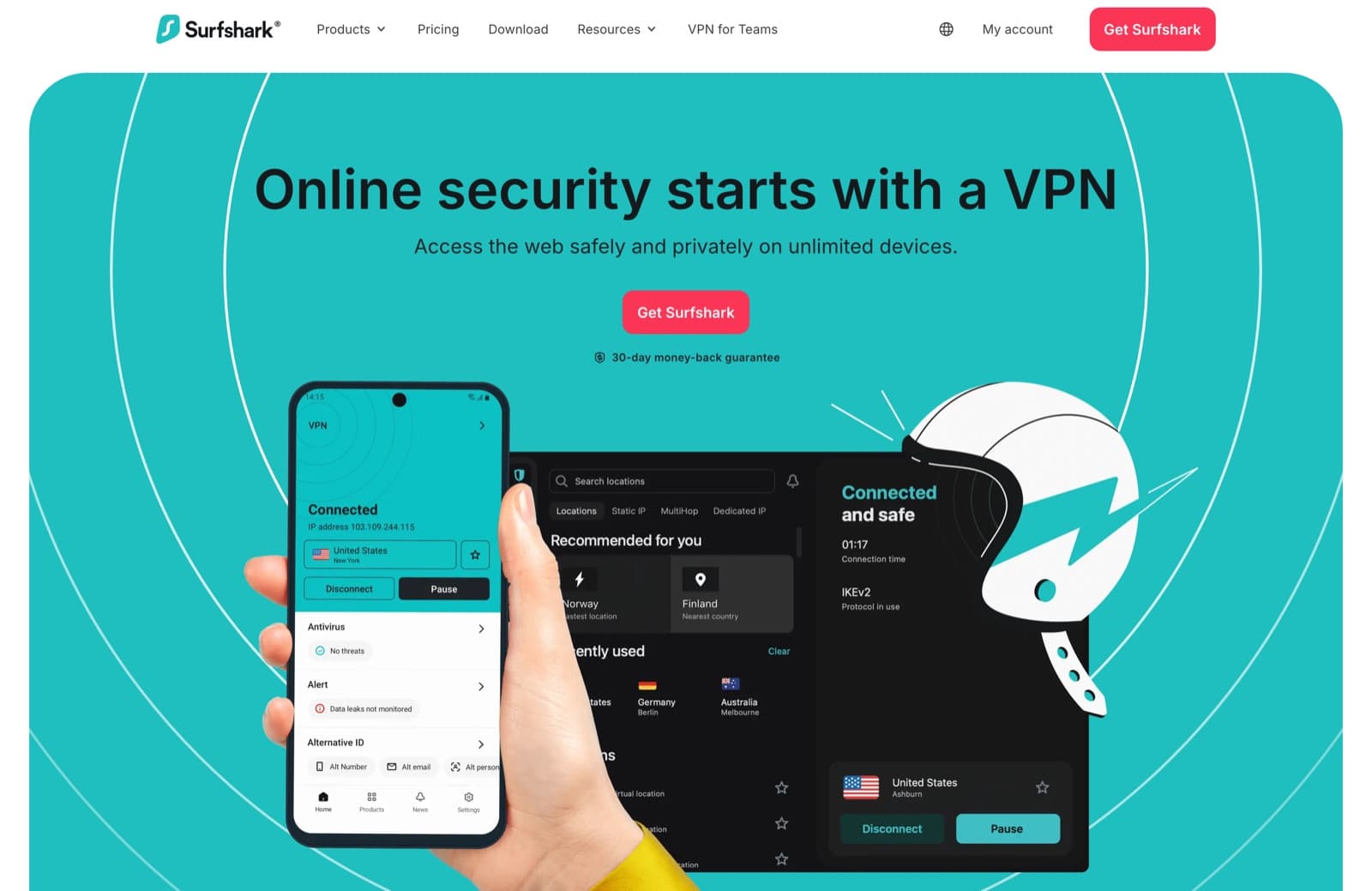
Surfshark's NoBorders mode automatically activates when restrictions are detected, and Camouflage mode disguises VPN traffic as regular HTTPS. Servers in Hong Kong, Japan, Singapore, and Macau cover the nearby region. Unlimited simultaneous connections is useful for multi-device users. At under $2.50 per month on the long plan, Surfshark is among the cheapest paid options. As with other mainstream services, peak-hour and event-window performance is uneven.
- Pros: 3 to 15 Mbps peak-hour bandwidth in China. Cheapest mainstream option (under $2.50/month). Unlimited connections. NoBorders and Camouflage modes. Audited no-logs policy. Good streaming.
- Cons: 10 to 25% packet loss at peak. Variable reliability inside China. Standard public routing limits peak-hour speed.
7. Mullvad: privacy-first, but inconsistent in China
Mullvad uses anonymous numerical accounts, takes cash and Bitcoin, runs WireGuard with obfuscation, and charges a flat 5 euros per month. The privacy posture is uncommonly clean. Inside China in 2026, recent r/chinalife reports describe Mullvad as "working maybe once per week, too many disconnects for no reason, only 2 countries work." The team does not chase enforcement waves the way Astrill does. The right pick for users who value privacy above performance and keep a backup ready.
- Pros: 1 to 10 Mbps peak-hour bandwidth when working. Strongest privacy posture in the industry. Flat pricing (5 euros/month). Anonymous accounts. Open-source clients.
- Cons: 15 to 30% packet loss at peak. Increasingly inconsistent inside China in 2026. No China-specific support. Not for sustained business use.
VPNs we do not recommend for China
A few brand names appear on outside-in best-of lists but consistently fail inside mainland China:
- HideMyAss: publicly acknowledged it cannot bypass the Great Firewall.
- IPVanish: most server IPs are blocked, manual workarounds unreliable.
- PIA (Private Internet Access): works occasionally, poor reliability without obfuscation.
- CyberGhost: inconsistent. Sometimes works, often does not.
- TunnelBear: casual access only. Limited free data, frequent disconnections.
- Any government-approved VPN: designed to allow government access to user traffic, which defeats the privacy purpose.
Why free VPNs do not work in China
Free VPNs are not viable for either reliability or privacy inside mainland China. On the reliability side, they run on overcrowded servers with restricted server choices, no obfuscation, weaker encryption, and frequent disconnections. They almost never use premium routing, so peak-hour speeds collapse. One forum description of ProtonVPN's free tier sums it up: "Very slow, you can barely send email, not to mention speak during a video call."
On the privacy side, free VPNs make money somewhere. Often that means selling user data, injecting ads, or, in the worst cases, being run by Chinese companies for data collection. Several free Android VPN apps have been documented as Chinese-owned with opaque privacy policies. If cost is the constraint, pick a paid VPN's long plan rather than a true free service. The full case is laid out in our guide to the best free VPN China alternatives.
Are VPNs legal in China?
The legal status sits in a gray area. The Ministry of Industry and Information Technology requires VPN providers to be government-approved, and unauthorized VPNs are technically not permitted. Enforcement focuses on providers and large-scale distributors, not individual users.
- Foreign visitors and short-term residents: no documented case of arrest or prosecution for personal VPN use. Rare administrative fines.
- Chinese citizens: some have received prison sentences for operating or selling unauthorized VPNs. Personal use occasionally draws fines.
- Businesses: foreign-affiliated businesses routinely use commercial VPNs. The government generally does not interfere with legitimate corporate connectivity.
Government-approved VPNs exist but allow government access to user traffic. Most international users avoid them. Use a VPN with strong encryption and a no-logs policy, keep a backup installed, and avoid making your VPN use visibly public on Chinese social media. For the full picture, see our deeper guide on whether VPNs are illegal in China.
Blocked websites and services in China
The Great Firewall blocks an extensive and growing list of foreign social media, international websites, and news outlets. The current picture:
| Category | Blocked services |
|---|---|
| Search, Gmail, Drive, Docs, Maps, YouTube, Play Store | |
| Meta | Facebook, Instagram, WhatsApp, Threads |
| Social and professional | X (Twitter), LinkedIn |
| App stores | International Apple App Store |
| Streaming | Netflix, Disney Plus, HBO Max, BBC iPlayer |
| Western news | NYT, WSJ, Reuters, BBC, Bloomberg |
| Productivity | Slack, Notion, Figma (intermittently) |
| Developer tools | GitHub (degraded), GitLab, Stack Overflow (slow) |
The list grows. Tools usable today may be blocked tomorrow during politically sensitive periods.
Setup guide: individuals, teams, and offices
For an individual: one client on the laptop, one on the phone. No background VPN apps fighting over the system tunnel. Download the app before you arrive in China, because most VPN websites and downloads are blocked from inside the country. On iOS, switch your Apple ID region away from China before arriving. On Android, sideload the APK from the provider's official site if Google Play is unreachable. If you need the step-by-step version, use our guide to how to use a VPN in China.
For a small team: a per-user account on the same network works. Share a clear setup note with new joiners covering preferred server locations, the right protocol settings, and the kill switch configuration. Keep at least one backup VPN installed across the team. For larger teams, providers that ship configuration profiles simplify onboarding.
For an office: a router-level deployment removes the per-device pain. Every wired and wireless device on the network is covered by one tunnel. The GL.iNet Brume 3 (GL-MT5000), Beryl AX, and similar travel routers support OpenVPN, WireGuard, and modern obfuscation protocols, and can be flashed with provider-specific configurations. Buy the hardware locally inside China to avoid customs. If a router-level setup is new to you, our explainer on what a VPN router is covers the hardware and why it beats per-device apps. Travelers pairing a data eSIM with a VPN should also read our breakdown of the best eSIM for China, and anyone settling in for a longer stay will get more from the full expat life in China connectivity guide.
Troubleshooting when your VPN stops working
The pattern that breaks is rarely the VPN itself. Check in this order:
- Is another VPN profile active? Two VPNs cannot share the system tunnel. Disable background VPN apps before connecting.
- Is the local network slow without the VPN? Run a speed test directly. If that is already slow, the issue is between your device and the router.
- Is the carrier the problem? China Telecom routes are best peered with Japan exits and CN2 GIA networks. China Unicom peers poorly with Japan exits in the evening.
- Is it peak hours? Between 7 p.m. and midnight, every international link out of China narrows.
- Try a different server. Hong Kong, Japan, Taiwan, Singapore are the nearest exits.
- Try a different protocol. Switch from WireGuard to OpenVPN TCP, OpenVPN XOR, or the provider's stealth protocol.
- Is the kill switch on? Keep it enabled. DNS leak protection and IPv6 leak protection should also be on.
If none of those works, contact the provider with the city, the carrier, and a concrete example. A serious provider will pull the route from their side. Support that just tells you to "try a different server" without engaging with the detail is a signal to switch providers.
How we assess VPN speed and reliability in China
A working evaluation looks different from a generic VPN review. The criteria that matter inside mainland China:
- Speed testing inside China: benchmark download and upload speed on real Chinese ISPs (China Telecom, China Mobile, China Unicom), at both off-peak (noon) and peak (9 p.m.) hours. The 9 p.m. number is the one that matters.
- DPI evasion: does the provider's protocol survive active probing and deep packet inspection? Plain WireGuard and OpenVPN fail. Modern proprietary protocols (NordLynx with obfuscation, Lightway, StealthVPN) survive at varying rates.
- DNS tampering and IP blocking resistance: verified through DNS leak protection tests on each server. Private DNS through the tunnel is essential.
- Encryption standards: AES-256 or ChaCha20 for the data channel, modern key exchange, post-quantum cryptography where available.
- Kill switches and leak protection: verified through forced disconnect tests and full DNS, IPv6, and WebRTC leak checks.
- Sustained workload behavior: a 30-minute video call exposes problems that a 30-second speed test does not.
Generic rankings built from outside China miss mainland cross-border congestion, so their speed conclusions should not be treated as in-country evidence.
Alternatives to VPNs
A VPN is the default answer, but not the only circumvention tool.
- Shadowsocks, V2Ray, Xray, Sing-box, Trojan: open-source proxy stacks. Work well when configured correctly, but require running your own server.
- Tor: heavily blocked in China. Bridge relays and Snowflake sometimes work but are slow.
- Self-hosted VPS with WireGuard or OpenVPN: possible but IPs eventually get blocked.
For most people, a paid VPN is the right answer because it bundles the protocol, the routing, and the operational maintenance into one product. For a fuller walkthrough of the non-VPN options, see our guide on how to circumvent blocked sites in China.
Frequently asked questions
What speed can I actually expect from a VPN in China? On standard consumer VPNs (Astrill, LetsVPN, ExpressVPN, NordVPN, Surfshark, Mullvad), real-world peak-hour bandwidth inside mainland China falls between 2 and 25 Mbps, with packet loss between 6 and 30% during the 7 p.m. to midnight congestion window. This is the ceiling for any VPN running on standard BGP transit, regardless of brand. Above that ceiling, you need premium routing. Throughwire delivers 100 to 500 Mbps with under 1% packet loss because it runs on CN2 GIA dedicated bandwidth instead of congested shared transit. If your day requires sustained video calls, large uploads, or stable team collaboration, the structural answer is premium routing. If you only need messaging, mail, and web access, any of the consumer picks will do.
Which VPN is fast enough for China? For sustained work-grade use, Throughwire is designed around private CN2 GIA routing and VLESS-Reality. Astrill has the longest consumer track record for casual use, while ExpressVPN and NordVPN are mainstream options for travelers. The right choice depends on the peak-hour workload, not an overall "best" label.
Is using a VPN in China illegal? The technology is not strictly illegal, but only government-approved VPNs are technically permitted. Foreign visitors using personal VPNs are essentially never prosecuted. Chinese citizens have received fines and, in rare cases, prison sentences for operating unauthorized VPNs. Personal use carries minimal practical risk for foreigners.
Why is my VPN slow in China? The structural reason is routing: standard consumer VPNs rent shared BGP transit that suffers 6 to 30% packet loss and severe congestion during peak hours (7 p.m. to midnight). Beyond that, common causes include endpoint blocking on your chosen server, carrier mismatch (China Unicom peers poorly with several international exits), and protocol detection on standard public routes. A VPN running on CN2 GIA premium routing avoids the congestion entirely.
Can I download a VPN once I am already in China? Much harder. Most VPN provider websites are blocked, the Apple App Store strips most VPN apps from its mainland storefront, and the Google Play Store is unreachable. Install before crossing the border. If you arrive without one, switching your Apple ID region or sideloading an Android APK from a verified mirror sometimes works.
Which server location is best for China? Hong Kong is fastest by latency but most aggressively blocked. Japan (Tokyo or Osaka) is the most reliable second choice. Singapore and Taiwan also work. Los Angeles is a useful fallback when Asian servers are unreachable.
Are free VPNs safe in China? No. Free VPNs combine the worst privacy posture (data collection, opaque ownership, sometimes Chinese companies) with the worst reliability (overcrowded servers, no obfuscation, frequent disconnections). Pick a paid VPN's long plan instead.
What protocol works best in China? For DPI evasion, VLESS-Reality and Hysteria2 are currently the most effective open implementations. Among consumer VPNs, Lightway (ExpressVPN), NordWhisper (NordVPN), Chameleon (VyprVPN), and StealthVPN (Astrill) work to varying degrees. Plain WireGuard and OpenVPN are reliably detected and blocked.
Choosing a high-speed VPN for China
Choosing a high-speed VPN for China starts with the workload. A connection that can sustain a 9 p.m. video call from Shanghai is a different product from one that only needs to open Instagram once a day. Peak-hour throughput, packet loss, route quality, and protocol resilience matter more than a generic "best" label.
- For sustained work use: Throughwire. Worth the price if your income depends on the connection.
- For casual personal use: Astrill (declining but still strongest) or LetsVPN (cheap, with the recent outage to weigh).
- For travelers: ExpressVPN and NordVPN are the most reliable global brands. Surfshark for budget.
- For privacy-first users: Mullvad, with the caveat that 2026 reliability inside China has slipped.
The Great Firewall is not going away. The providers that hold up are the ones with the engineering and operations to keep up with it. Pick the one whose choices match what you actually need.
Throughwire is built for the one use case the rest of this list cannot cover: holding a full workday open from inside mainland China at 100 to 500 Mbps, including the 9 p.m. congestion window, on private CN2 GIA routing with no traffic, DNS, or session logs. For travelers, expatriates, and teams whose income depends on the connection, Throughwire is worth evaluating against everything above on the one metric that matters: what happens at peak hours.