 Easiest setup
New router? Start with Flint 2.
Our guided installer handles a supported GL.iNet router in minutes. No firmware flashing or technical experience needed.
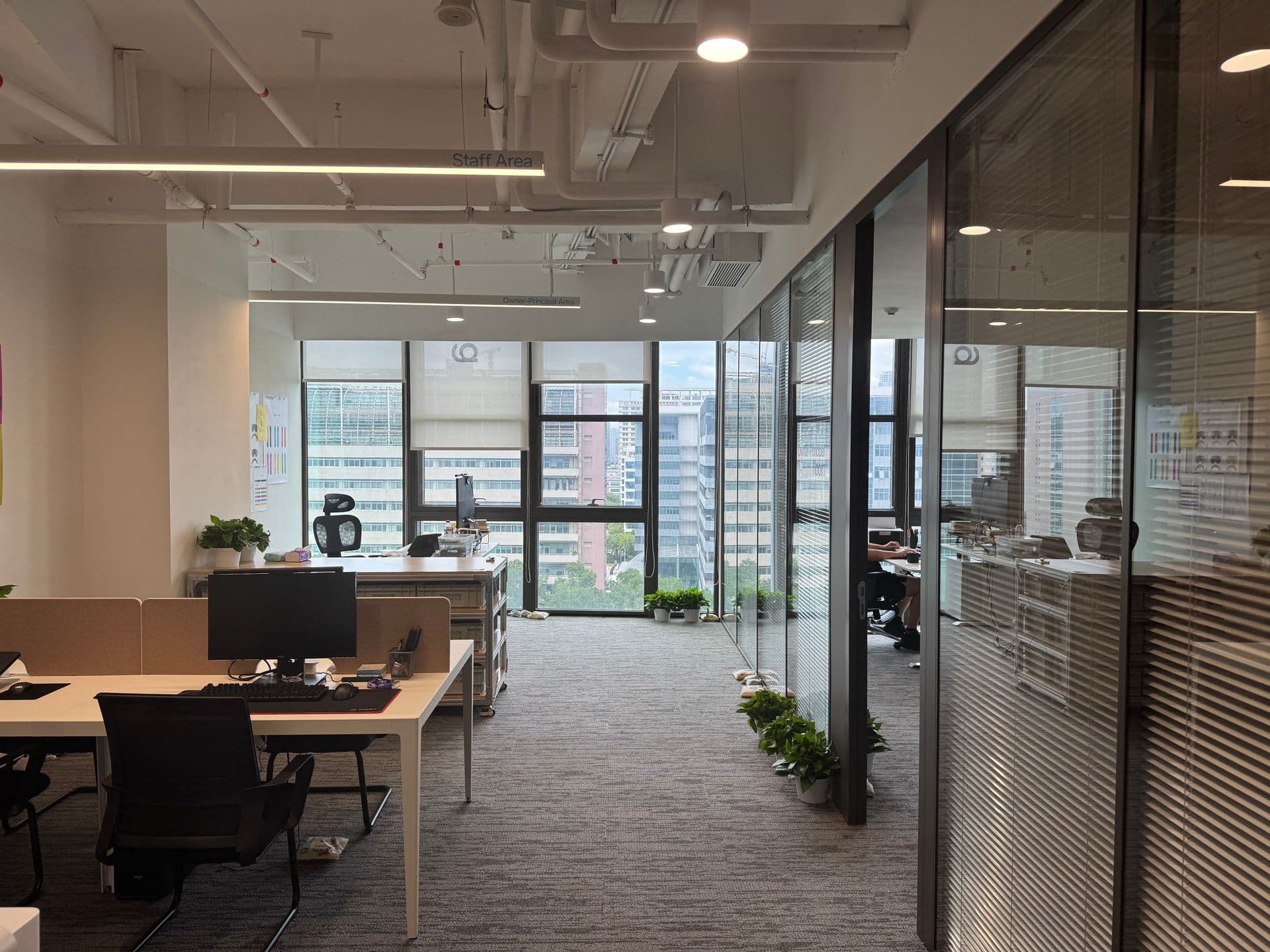
Connect your team to the tools they need. Set up once, then just join the Wi-Fi.
Get your plan, buy a router, then connect. Set it up yourself, with help available if you need it.
Chinese services stay local. International services use Throughwire. No switching on and off.
Your office
devices
One setup for every device
 WeChat
 DingTalk
 WeCom
WeCom Feishu
 Baidu
Baidu WPS Office
Does not use your Throughwire data
 Google
 WhatsApp
 ChatGPT
 Gmail
Gmail YouTube
 Slack
SlackUses your shared plan allowance
Unknown destinations use Throughwire by default.
Check how a service is routedStaff join the office Wi-Fi. Laptops, phones and meeting-room screens use the same connection.
The router runs Throughwire. Wi-Fi access points extend its reach. Choose a layout to see how they fit together.
VPN runs here
Illustrative layout, not a measured coverage map.
Place it in an open, central position. Connect nearby desks by cable where practical. Walls and interference determine where extra Wi-Fi coverage is needed.
There is no fixed range in metres. Floor slabs, busy rooms and multiple buildings need a coverage and capacity check.
Send us your office layout →Already have office Wi-Fi? Devices need to connect through the Throughwire router to use it. Your original Wi-Fi stays unchanged unless you connect it through the new router.
Get a supported GL.iNet router, or use compatible OpenWrt hardware you already own.
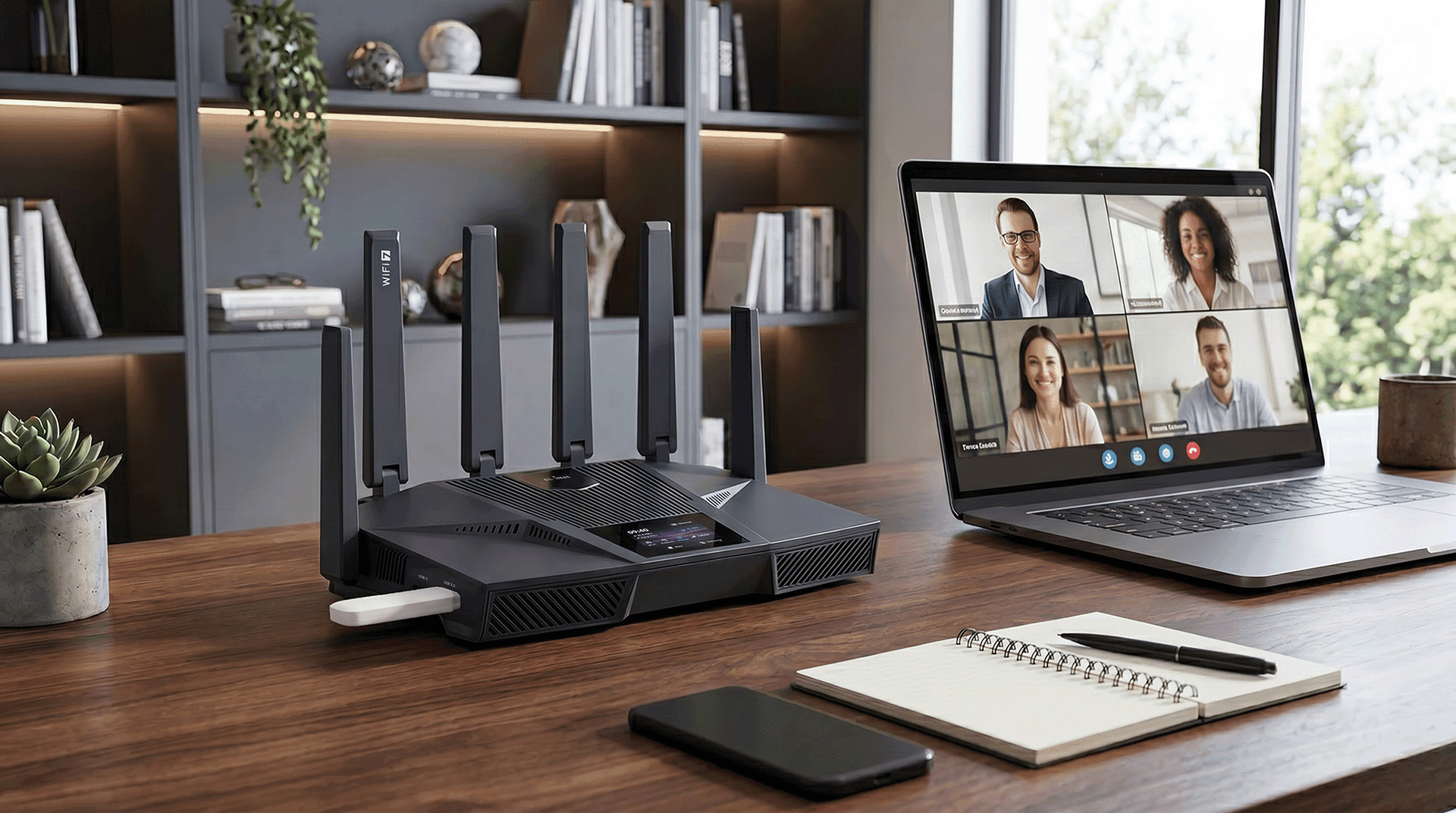 Easiest setup
Our guided installer handles a supported GL.iNet router in minutes. No firmware flashing or technical experience needed.
Use a compatible router on supported stable OpenWrt 25.12 or 24.10. Check your model below. Installing OpenWrt itself is a separate technical step.
Search the exact model and hardware version. Throughwire needs a supported CPU, at least 128 MB RAM and 35 MB of free storage. The installer checks these before making changes.
Using other firmware? Manual setup requires a client that supports VLESS, REALITY and XTLS-RPRX-Vision. Send us your model and firmware and we can help check your options.
Hardware is purchased separately. Router access is included with every paid plan. Ask us before buying if you’re unsure.
Once your router is ready, guided setup takes a few minutes. No appointment or IT team needed for a supported GL.iNet router.
Start with Team 400 GB per month, shared across your team. Router access is included, and you can choose more data as you grow.
Start with 400 GBBuy a GL.iNet Flint 2, or use a compatible router you already own. Plug it into your existing internet router and join its Wi-Fi. Hardware is purchased separately.


Choose GL-MT6000. Check delivery to your address at checkout.
Open router setup in your account. On a Mac or Windows laptop, follow the copy-and-paste instructions and enter your code and router admin password. Once setup finishes, connect your devices to the router’s Wi-Fi.
Open router setupNeed a hand? We’ll help with setup.
Read the full router guideThroughwire uses premium routes out of China for international work. Local services stay local. Real upload and download speeds still depend on your broadband, carrier and chosen route.
Why the route mattersTraffic sent through Throughwire is encrypted between your router and our ingress. Keep HTTPS and your company’s security tools enabled; sensitive work can use an additional encryption layer you control.
See the security modelStart with Team 400 GB per month, shared across your team. Router access and setup support are included; you buy the router separately. Choose a larger allowance if your team regularly sends large files or uses video heavily.
Yes. Once a supported GL.iNet router is connected to the internet, guided setup takes a few minutes. Use a Mac or Windows laptop and follow the instructions in your account. You’ll need your router admin password. No appointment is needed; we’re here if you get stuck.
Yes. Keep your internet provider’s router and connect a supported GL.iNet router to it. Join the new router’s Wi-Fi to use Throughwire. Your original Wi-Fi stays unchanged. Other router brands need compatible OpenWrt or a supported client.
One well-placed router may be enough for a small office. Larger spaces or several floors may need extra Wi-Fi access points connected to it. Walls and the building layout affect coverage; the diagram above shows the options.
You can use China Telecom, Unicom or Mobile. Speed depends on your broadband line, location, time of day and chosen route. Try your usual calls, uploads and downloads before connecting the whole office.
No. Services routed directly in China do not use your Throughwire data. International traffic carried by Throughwire uses your shared allowance. Ultra counts at 2.5 times the rate: 10 GB on Ultra uses 25 GB of your allowance.
Start with Team 400 GB, get your router, and follow the setup in your account.